



























New on LowEndTalk? Please Register and read our Community Rules.
All new Registrations are manually reviewed and approved, so a short delay after registration may occur before your account becomes active.
All new Registrations are manually reviewed and approved, so a short delay after registration may occur before your account becomes active.
★ VirMach ★ RYZEN ★ NVMe ★★ $8.88/YR- 384MB ★★ $21.85/YR- 2.5GB ★ Instant ★ Japan Pre-order ★ & More
This discussion has been closed.



Comments
okay thanks then, let's wait
One of my VPS on node NYCB030 has been upgraded to Ryzen. How do we know that now this VPS is stable and ready to use? One of my website was running on it but I moved it to Vultr for the time being and now I want to move it back. But I am not sure if this VPS/Node is now stable. Like how do we know that now I won't face any issue related to IP or network or boot etc. Looks stable to me as it is online for the past 5 days now.
I am going to install Debian 11 from SolusVM template. Hopefully there won't be any issue.
When you already discover time travel to confirm things like that please don't patent it, make it public domain. Or when you create some epic AI that will be able to tell things like that - "I can say that for next 30 days there won't be any hardware problems, electricity problems or earthquake next to datacenter also no other problems, I can guarantee that!" - make it public domain too.
@VirMach I dont know whats going on but creating a priority ticket also does not help. Seems like no body is looking into. I failed to understand what could more priority than a service is offline. I am feeling helpless now as I am worried about my website and want to have a backup and move my website ASAP. I know this is not a forum to discuss this but I dont find any other means to contact you.
Apologies to all.
10's and 100's of services being offline.
You made the ticket and ignored the one piece of information requested in a pop-up window before creating the ticket. Also you're using the node outage button, that one is only meant to communicate potential node-wide outages.
You've had the priority ticket open for a day. Let's assume it had the correct title and wasn't just ignored and probably closed without a response (we warn you of this happening on the pop-up message you ignored.) Then you still need to understand we're in a situation where thousands of requests exist so the priority ticket queue is not currently under 24 hours resolution time. We'd love for the queue to be easily identifiable and not used to incorrectly report services as "offline" when they are not offline, but realistically it's not possible, and the answer to your question is that what's more priority than a service offline is an actual service offline.
Yours isn't actually offline, so it goes into the "incorrectly report" category I mentioned above.
We sent out emails about your webhosting. Check your spam folder. Then look into pointing your domain to the details listed on cPanel. There was an unrelated issue I noticed regarding cPanel login which I've resolved for you already. If you actually identify another issue, definitely close your ticket and make one where you describe the issue with more detail if you want the fastest resolution and definitely don't come here to paste your ticket number.
Are you saying a vast majority of users are experiencing service outage for last 15-20 days ?
No, I'm saying there are occasions where hardware affecting larger numbers of people than you are involved. He works on those first.
Let me tell you chronology of incidents from my perspective.
Got alert that website is down from two different monitoring system.
I tried to login to my Cpanel but the url appeared to be offline (I had it on bookmarked).
I waited for a day atleast or more as I don't remember correctly before doing anything. In the meanwhile I tried to access the CPanel URL multiple times and it was offline(till 1 hour ago I was able to auto login from client area).
I raised a normal ticket (#788809) but didn't get any response for a long and I was not aware of any such issues as I was not browsing Low End Talk frequently. I tried to see your existing outages but I admit I didn't understand if my shared1 was in that list because last time you specifically mentioned about shared1 few months ago when an outage took place. I was expecting that.
Last of all which is most important I didn't receive any emails at all not even in spam which could have avoided many things. Not a single email. If your time permits I can volunteer to troubleshoot this issue. I am using Yahoo as my email provider just FYI.
All I can feel now is I need to be little self aware, proactive and I need do some prior R&D to understand the outage better and refraining myself to create "unnecessary" tickets. But I don't know if it's because of the price I am paying for my service or not your support system always disappoints me and if you look at my ticket creation history I do minimal logging.
Though I can access Cpanel from Client area just now but I haven't received any details in email. Hence till this time I dont know if it's outage or configuration issue from my perspective as I couldn't access the bookmarked cpanel URL or from client area Cpanel auto login. Few mins ago I have checked MySQL was not also working but I don't know if I need to read some documentation or not to find out if that's an issue.
I can understand but had I not been here it might take ages for to find out what's happening which should not be the case. 7 days is more than enough time to address a query regarding outages as this was a known issue.
Tokyo storage is down
Tokyo storage is now UP.
Node was not down, this was a network outage.
Downtime ~ 2 hours, 14 mins.
Technically not even a network outage, overloading issue which reduced total network throughput drastically.
I like the phrase and will use it in the future.
Reduced Total Network Throughput
But you know what Carlin would say...
Hey, I cant connect my server anymore. Today I checked the your site and noticed that ip address has changed and the node is NYCB032. And I used the new IP address to connect the server but no lucky. Any way to fix it? And most importantly, will all my data be saved? BTW I orderd the migration with $5 nearly one week ago, and i chose to migrate from Bufflo to Los Angles.
Can you access via VNC?
Did you put the new IP in the configs for the system out just try to ssh in to that IP? Did you connect in via vn to check your data?
Yes, I use CLI to connect the server. And I still cant connect to the server even in the vnc
No! It said connected but it just like a black box and nothing shown at all. BTW I cant ping the server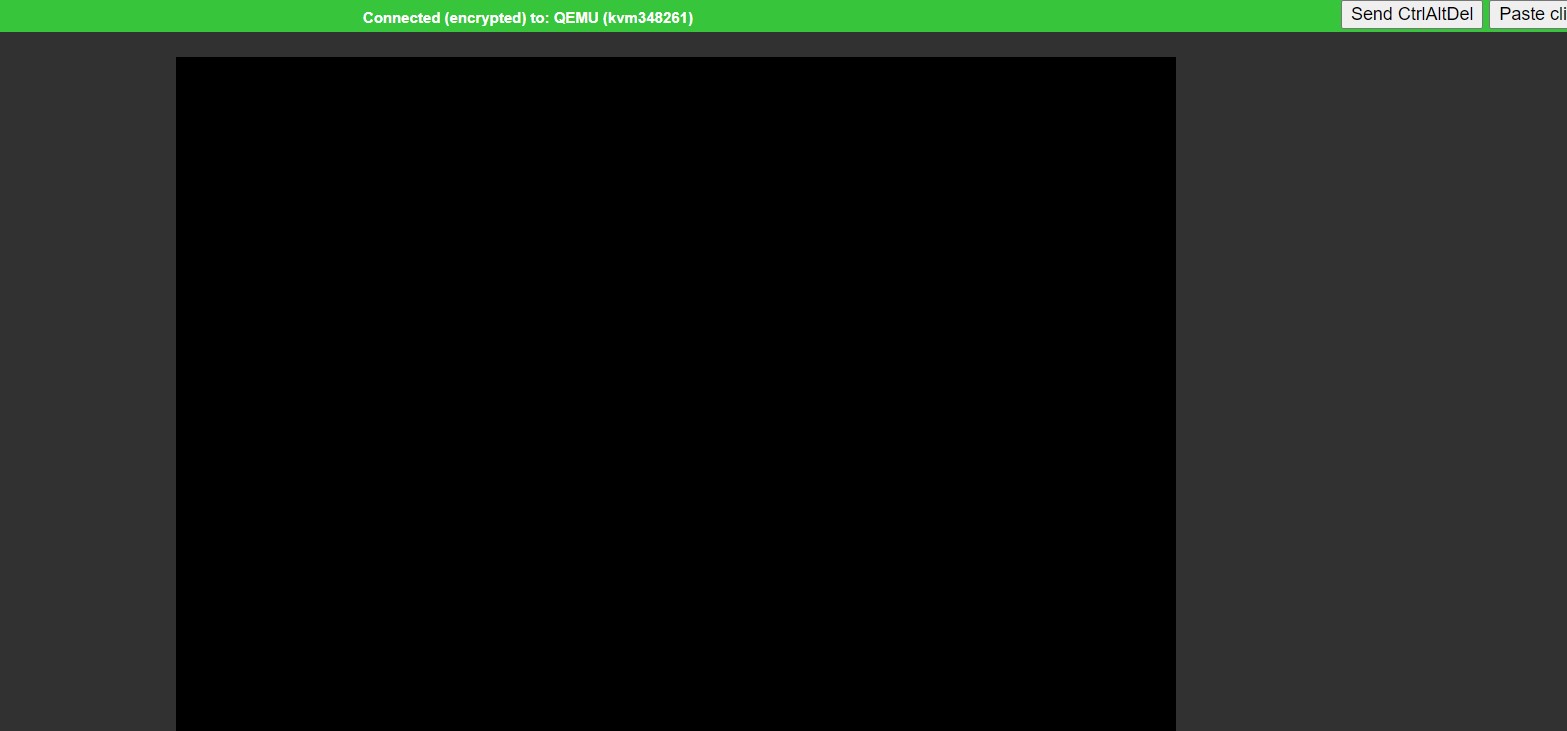
Have you tried turning it off and then on again?
Yes, I have tried many times but still cant
Does it show online or offline in the billing panel or SolusVM?
Also make sure there is no ISO mounted in both the billing panel and SolusVM
Does "Send CtrlAltDel" button work? You may need to press 2-3 times.
At a guess it must be Online because it says connected via vnc. I'm wondering what OS this is.
After that button much many times and it's just showing:
Ubuntu 20.04
.... [$time_consumed] reboot: Restarting system
Press "Power Off" button, wait a moment, and then press "Boot" button. Make sure that CDROM or ISO is already unmounted.


@VirMach My server has been offline for weeks and the reinstall button not works. I created a ticket 2 weeks ago but no response yet. I have pm you ticket number. Could you please check pm and have a look on my ticket? Thanks.
Hey @FrankZ, are your ATL, GA Ryzen VM online? Mine is offline (timeout) since early July 29th... Panel also timed out, VNC as well.
@All... Can you guys guide me a bit please ?
I have no access to my CPanel and autologin does not work from VirMach client area. Also PhpMyAdmin does not work either from client area. I dont have any VM rather its a cpanel hosting.
I want to move my website from VirMach Cpanel hosting to a different hosting and it was a wordpress site. Though I have backup of my files but I dont have the backup of my MySQL DB.
Its been more 2 weeks now and service is down(or according to VirMach its not offline or outage rather something else).
VirMach is loaded with tickets so cannot expect them to fix something soon.
So, 'wait' is the only option until they fix everything ? Its so frustrating. Only mistake I have done is not taking a timely backup and hence paying the price.
Is there any paid/premium service from VirMach ? If yes whats the procedure and cost to avail ?
Do you by any chance have the old IP set in Cloudflare? This happens (at least with BunnyCDN) when using the server IP.