



























New on LowEndTalk? Please Register and read our Community Rules.
All new Registrations are manually reviewed and approved, so a short delay after registration may occur before your account becomes active.
All new Registrations are manually reviewed and approved, so a short delay after registration may occur before your account becomes active.
Terminal-Based SSH Portfolio
 cemalgnlts
Member
cemalgnlts
Member
in Help
Hi,
Some users or programs provide a custom interface that you can connect to via SSH. I've looked into this and found a simple way to set it up like this:
Match User guest
    ForceCommand /home/guest/welcome.sh
    PermitEmptyPasswords yes
    PasswordAuthentication yes
    AllowTcpForwarding no
    X11Forwarding no
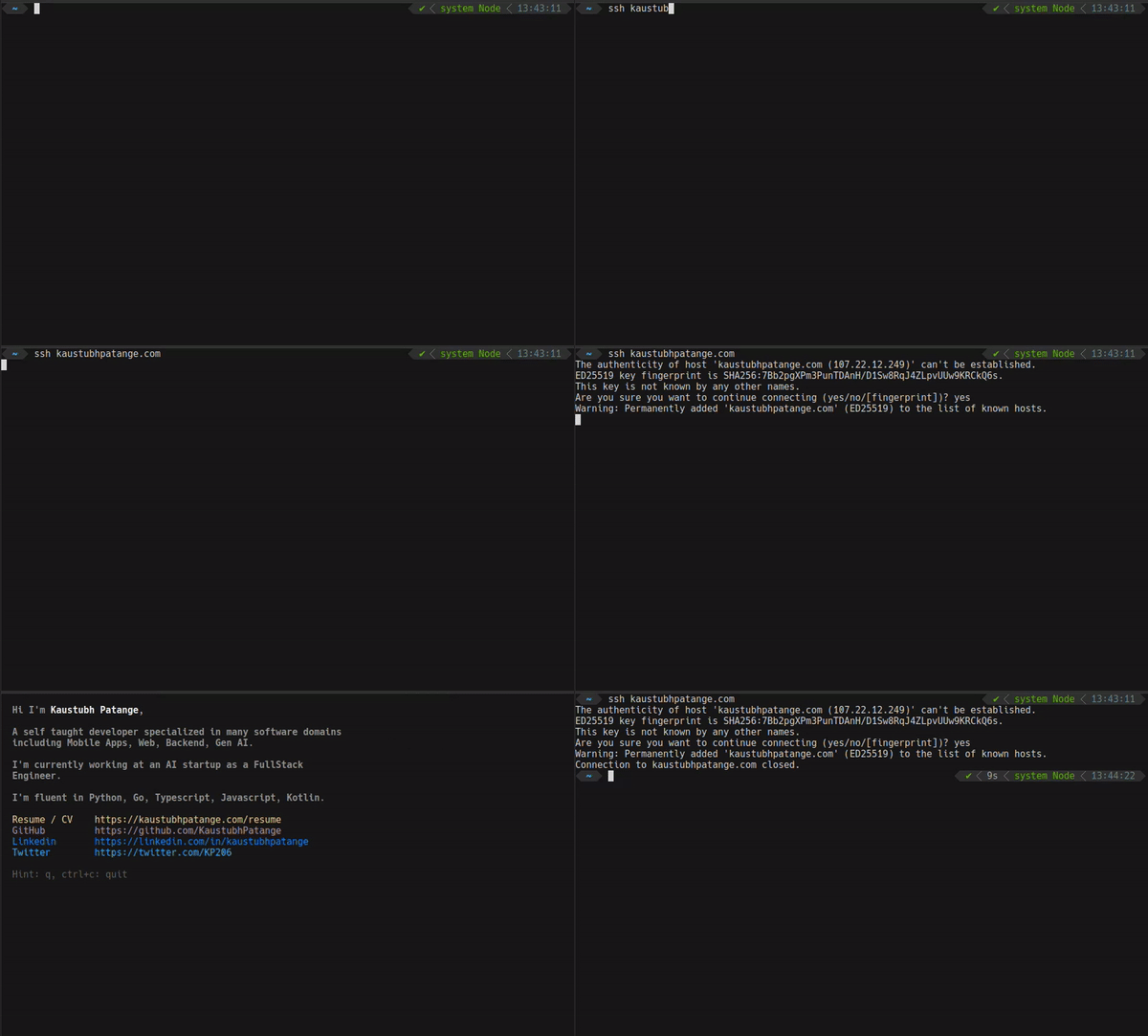
But what are the security implications? Could a user potentially escape the script execution and gain shell access to the system?
Thanks.
Thanked by 1stable_genius



Comments
Hi
I think you are on good track with your current sshd configuration, however there are couple more things that you could consider:
First of all, you need to disable TTY. Running client with
ssh -twould allow an attacker to get shell access if your script did not exit properly or attacker found some way to escape it. The risk could've been worse if the script was interactive, taking user input.I think you should also disable SFTP subsystem as it could be used to transfer files to your system and potentially overwrite the script. The
welcome.shshould ideally also be writable only byrootto prevent this (or other methods of overwriting it).I didn't include this here, but using the chroot directory (
ChrootDirectory) should restrict the potential filesystem access even further. Here's a guide on how you could set this up.Disabling X11 and TCP forwarding is a good practice, however there are some more stuff SSH can forward. That includes TUN devices (
-w), StreamLocal (Unix-domain) and ssh agent (-A). To disable any forwarding, you may useDisableForwarding yesHere's full explanation of all SSH options (man page):
https://man.openbsd.org/sshd_config
And finally, just to be extra sure, I would run something like this on a server that doesn't have any important data or services running. Discovering a critical vulnerability in SSH is highly unlikely, but seeing recent events, you never really know...
Many, including hosting providers, use an outdated version of OpenSSH that has a scp command injection vulnerability.
Most of them ignore it, because it can't be used for privilege escalation in itself, and requires a valid login.
In this case, it is important to keep your ssh up-to-date.
Googled this simple exploit, so @cemalgnlts can test it:
https://github.com/cpandya2909/CVE-2020-15778
@oloke Awesome, this is exactly what I was looking for, thanks!
@xvps I'll keep that in mind, thanks.
Using OpenBSD to host the ssh sessions would make it more secure. Running an OpenBSD VPS inside your Linux VPS is a possibility, you would probably not have kvm enabled in qemu but that may not be a problem in this very lightweight use case.