



























New on LowEndTalk? Please Register and read our Community Rules.
All new Registrations are manually reviewed and approved, so a short delay after registration may occur before your account becomes active.
All new Registrations are manually reviewed and approved, so a short delay after registration may occur before your account becomes active.




Comments
Stop cuming to LET?
Nice joke, almost laughed.
You can use @Murv 's homegrown organic uBlock rules:
Just don't tell @jbiloh
Did the charm. Thank you both.
would
Confirm this work
adguard also works for me
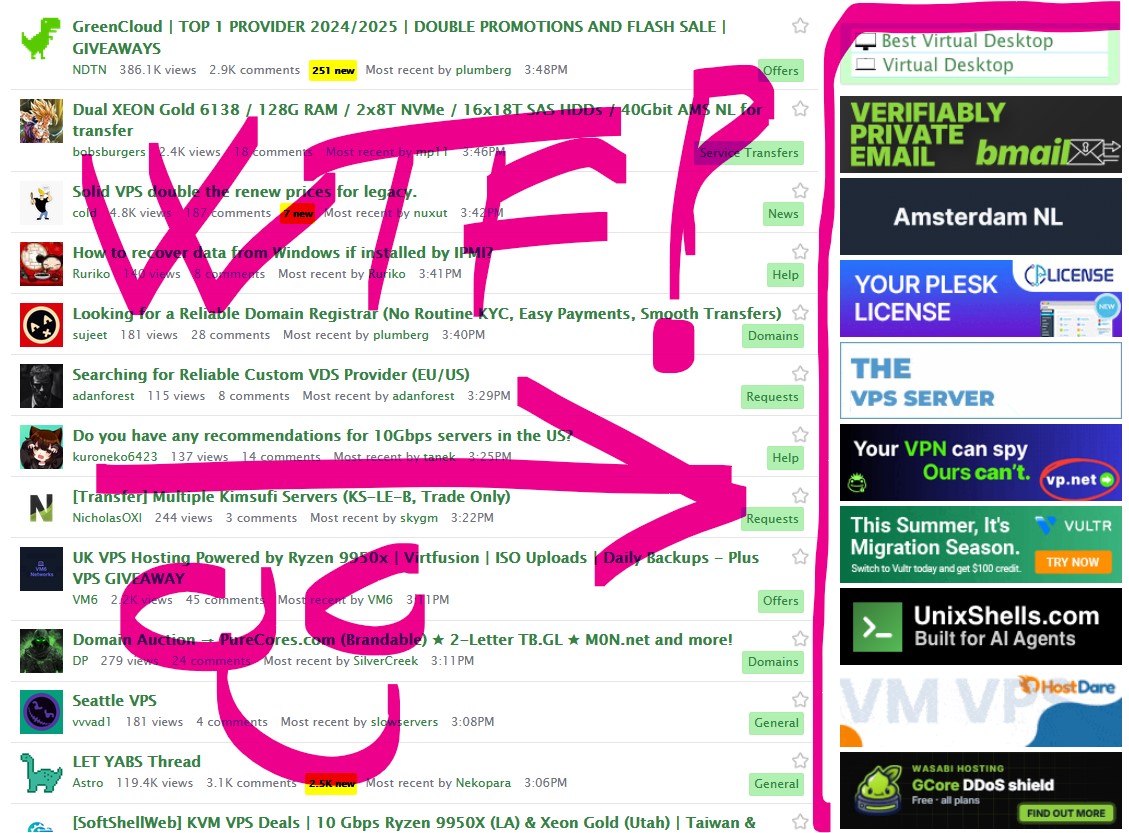
Whats the joke, BMail is a literal scam there entire page is full of lies, completely AI written.
It’s on top of page every time i refresh this site...
If it's on your screen for long enough you'll start a site called CMail and run an ad campaign on lowendtalk.
This works! Thanks @Murv
Quick point if someone else might have any issues. I wasn't sure why it wasn't working for me in the first place but that was because my filters were actually unchecked.
So if someone else might have that issue: i recommend going to setttings > my filter lists > tick-mark "my personal filter" > save changes
and to add it in general. You have to go to settings > my filters > paste the comment inside it and save it.
But in the end I was able to use it. Thanks murv :-D
i refuse to believe youre serious. You cant tell me you didnt know the images are loaded from lowendtalk and i refuse to believe that you dont know about rightclick, block element
Where do i add these? IO added a custom rule in ublock origin but no change.
edit: & thank you @Murv works a treat
I generally dont mind the ads but LET is slowing down my relatively newish i7 Macbook to an unusable state, few other sites also expect you to have an i9 or visit from mobile..
@Levi it might be a/b testing type of bullshit but do you have
uBlock filters - Adsenabled?Also enable
Peter Lowe's Ad and tracking server listif you haven't.Click ublock icon => gears icon ("open dashboard") => "My Filters" tab + check "enable my custom filters". At least that's how it works for me.
Yes i managed and finally the website doesnt lag anymore
activating "AdGuard – Ads" in filter settings also fixes this
I have enabled additional lists, but only Murv's mod helped. Probably JB test some nasty stuff in order to get more clicks/views.
Nah, it just some small javascript BS. BUT, unsupervised and unmonitored ad placement is disgusting. Even WHT has some boundaries.
I do also have extra lists enabled and mode set to medium but remember LET ads for must be months by now, i just ignored them.
You sadly underestimate how much new macOS fucked up this laptops, i cant even watch YT in more than 480p anymore without 90C CPU and the AMD card doesnt even have a driver anymore. Never buy Apple hardware with GPUs. Never.
but what if I like seeing that pulsating interserver hole?
Then you realise LET is under 18 and walk away
I think you can right click to save it and make it your desktop background.
kinda crazy that they even allow ads that mimic the site theme/layout.
like that first virtual desktop one, or i believe there has been another for shell accounts.
Not my point, the point is a scam advertisement is being allowed to be posted here, I don’t care I do block them, but it’s about general viewership.