
























New on LowEndTalk? Please Register and read our Community Rules.
All new Registrations are manually reviewed and approved, so a short delay after registration may occur before your account becomes active.
All new Registrations are manually reviewed and approved, so a short delay after registration may occur before your account becomes active.



Comments
i can no longer connect my two storgaspeicher... is there a fundamental problem here? @labze
Nope, IP blocked maybe? Hard to assist over LET.
ticket open.
is personal porn and movie collection allowed?
ftp1 High load now!
Technically, if you
rclone cryptit, you are just storing random bytes in terms of what the provider seesnot if you get caught.
I always encrypt everything. but what about the file name? They can just ban it just because the file names look "porn"?
Rclone encrypts filenames as well (iirc that's the default option), although the max filename length gets shorter if you do that. Honestly, I don't think @labze will say anything unless someone else complains about it (abuse notice, etc.).
Filename looks like this with
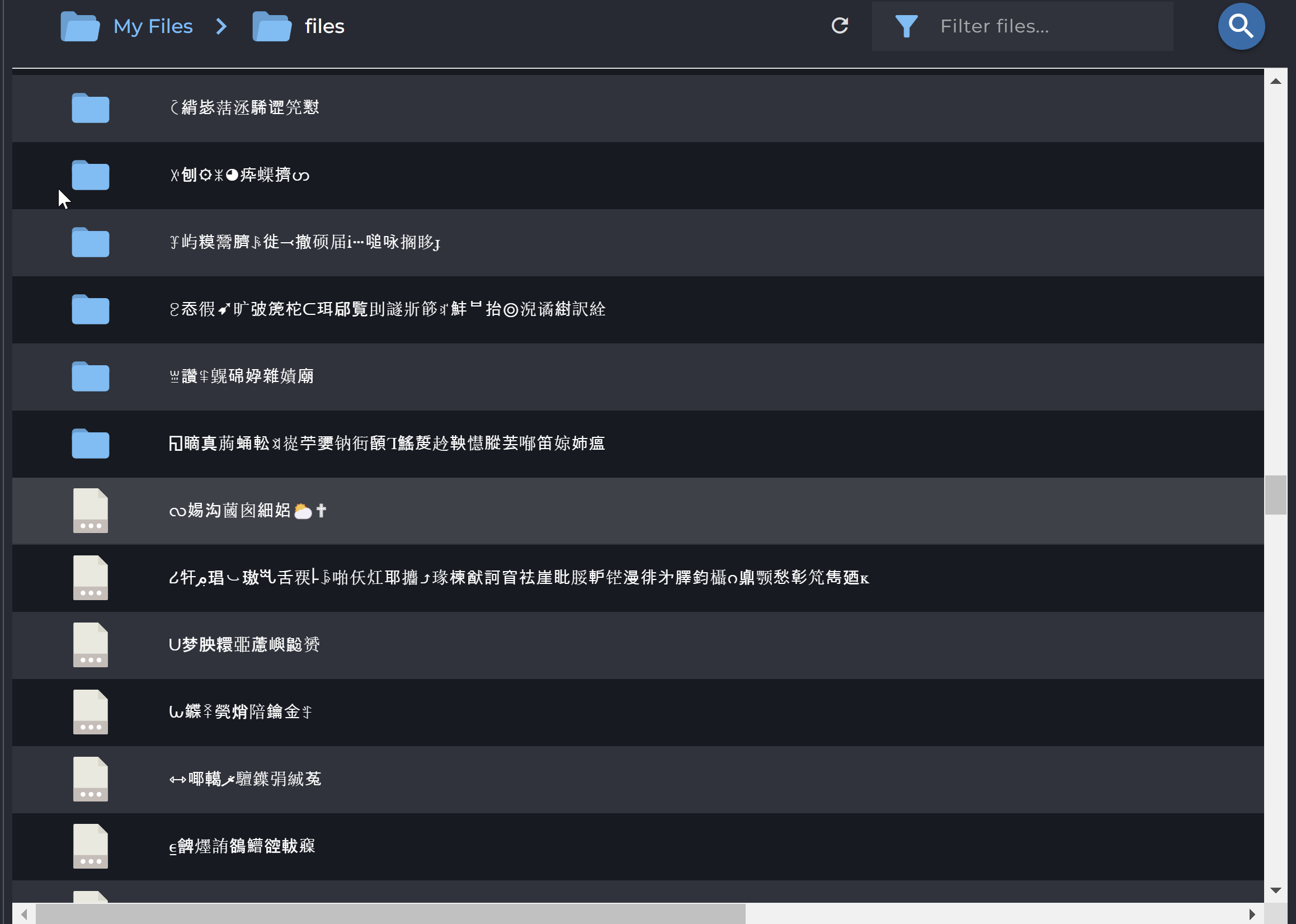
base32768encodingHm, does anyone else still get those interrupts while uploading on ftp1? It's not as bad as it used to be before those critical fixes, but I still can only upload around 50MB before it stops and resumes like 20 seconds later. The upload speed itself when it uploads is at around 100mbit/s though.
Yes, over the last week or so, I've had the same experience as you on FTP1.
It uploads, then stops completely, then uploads again. When it's actually uploading, it's maxing out my upload bandwidth (so it seems bw capacity is available on their end), but something is stopping it on a regular basis.
Perhaps bandwidth limits have been introduced, as the stop/start nature is similar to throttling behaviour.
I'd have considered the caching system to maybe be maxed out, but if that's the case it'd have been so for an awful while now. Maybe it's the same culprit as last time?
are you in it ?
Few times I noticed that ftp1 through the day performance was ok, then at around 17:00 utc load average shoots to 50-150 and system starts freezing. Almost like multiple people after work start uploading at the same time.
Salesite still up but no stock sad. To be fair BF is over
Ah damn, I got the 500GB but I was really eyeing the 1TB offer. Anyway, 500GB is good as well.
Could you consider enabling:
1. PHP APCu
2. OPcache JIT and increasing the memory for OPcache?
Is it okay to host a personal web archive?
getting permission error writing to ftp2 now... strange, permission changed on fiolder
I'm using Server1, even mkdir command is taking couple of seconds to create directory, DA panel file manager is even slower.
server 1
Load Average
Last 1 minute 94.08
Last 5 minutes 100.51
Last 15 minutes 104.6
server 2
Load Average
Last 1 minute 1.79
Last 5 minutes 2.44
Last 15 minutes 2.68
someone is abusing server 1
Thank you my ftp2 neighbors
How long does an order stay in pending?
Dumb question but what's the best way to setup an SSL certificate for a domain in Direct Admin?
a few hours. 2-4
Didn’t really want to open a ticket for this cause I wanted to see if others experience the same thing or it was just me, but could you maybe take a look into that @labze ? I don’t mind waiting if it’s just some kind of capacity-maxed thing, but it does seem fairly unusual.
There is an SSL section, you simply add a domain, go to SSL section and issue a certificate in there.
Get automatic certificate from ACME Provider in Account Manager - SSL Certificates , and use Lets Encrypt.
FTP1 is being rebooted now to apply another fix to alleviate the issue. It is not someone specifically abusing the system.
For transparency on this issue: The specific issue happening is that the system journaling aren't keeping up with the data written. The system kernel worker that flushes data and journals basically deadlocks all writes until the journal keeps up. It is such a weird issue I have experienced once before and is quite solvable but just have to adjust the right parameters. It is strange that it is no issue at FTP2 at all, which now sees more usage than FTP1.
Anyway hope this latest update will permanently resolve it.
Yes it was very strange behavior. I hope reboot fixes issues
same here. good to know I’m not the only one