



























New on LowEndTalk? Please Register and read our Community Rules.
All new Registrations are manually reviewed and approved, so a short delay after registration may occur before your account becomes active.
All new Registrations are manually reviewed and approved, so a short delay after registration may occur before your account becomes active.
Question about IPv6 setup for OneProvider dedicated server

I have a OneProvider dedicated server and I want to set up IPv6 for it. I have referred to the official documentation and here is how I set it up.
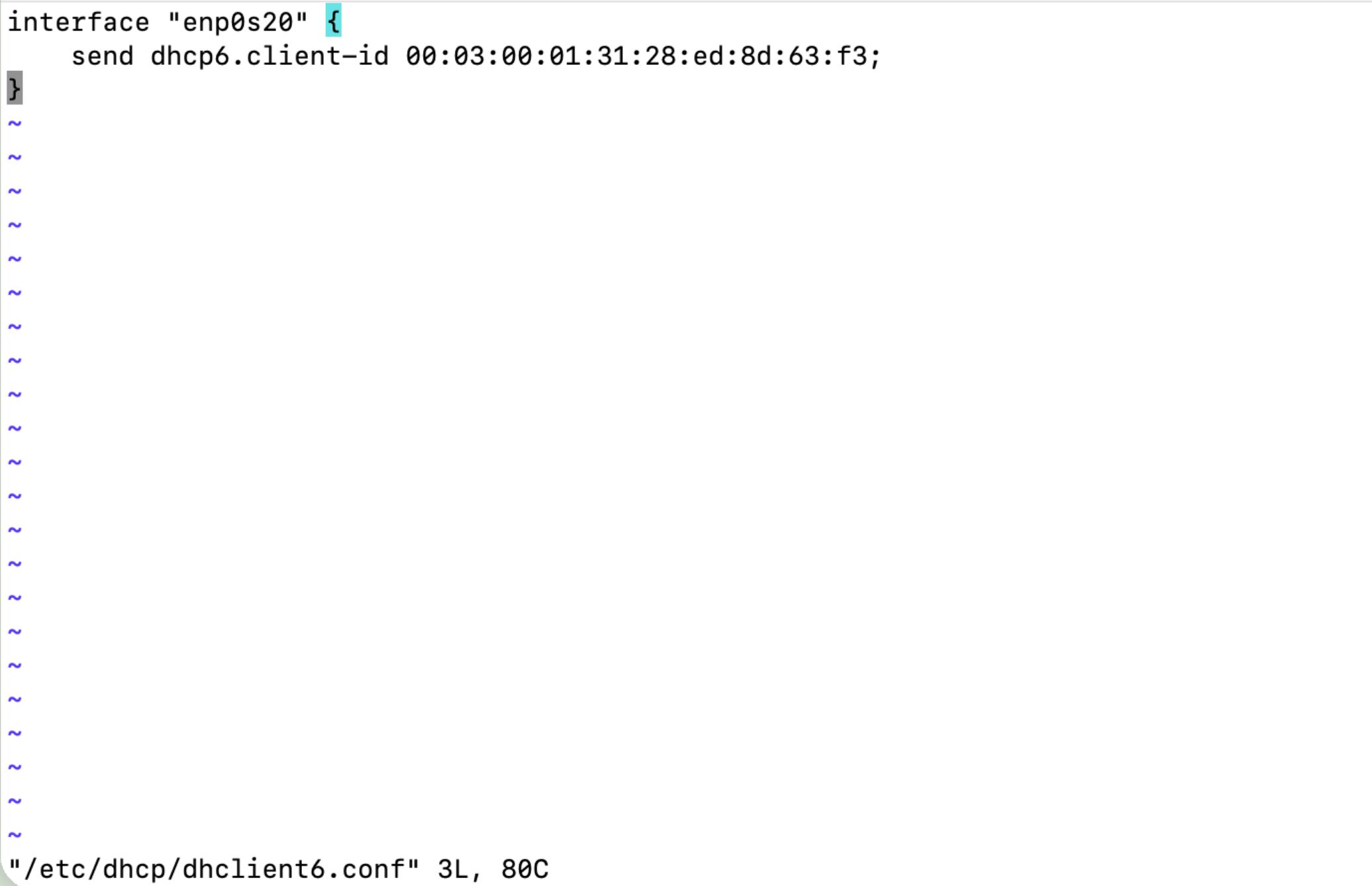
vim /etc/dhcp/dhclient6.conf
interface "enp0s20" {
    send dhcp6.client-id 00:03:00:01:31:28:ed:8d:63:f3;
}
systemctl enable dhclient.service

systemctl start dhclient.service
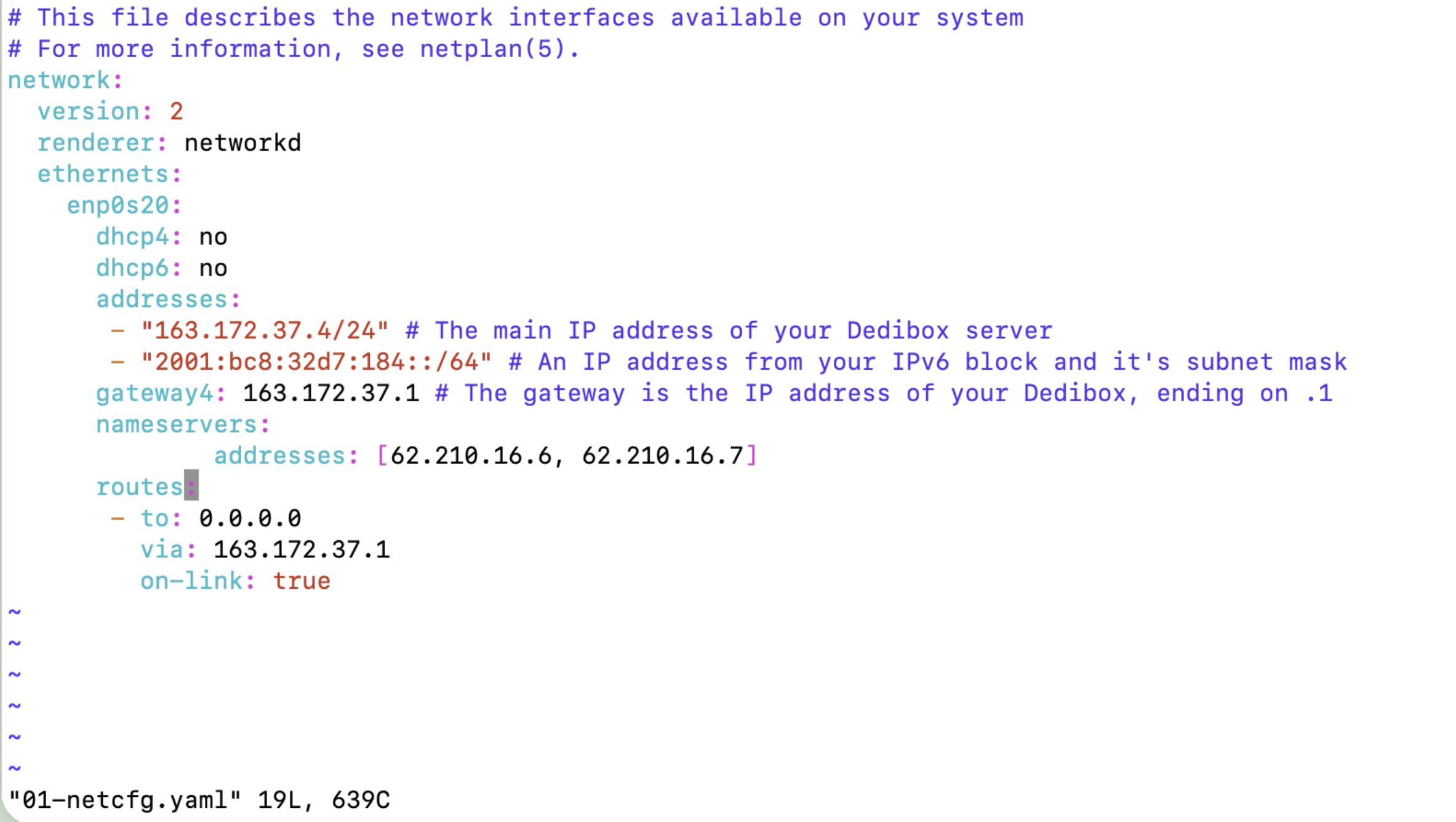
vim /etc/netplan/01-netcfg.yaml
# This file describes the network interfaces available on your system
# For more information, see netplan(5).
network:
  version: 2
  renderer: networkd
  ethernets:
    enp0s20:
      dhcp4: no
      dhcp6: no
      addresses:
       - "163.172.37.4/24" # The main IP address of your Dedibox server
       - "2001:bc8:32d7:184::/64" # An IP address from your IPv6 block and it's subnet mask
      gateway4: 163.172.37.1 # The gateway is the IP address of your Dedibox, ending on .1
      nameservers:
              addresses: [62.210.16.6, 62.210.16.7]
      routes:
       - to: 0.0.0.0
         via: 163.172.37.1
         on-link: true
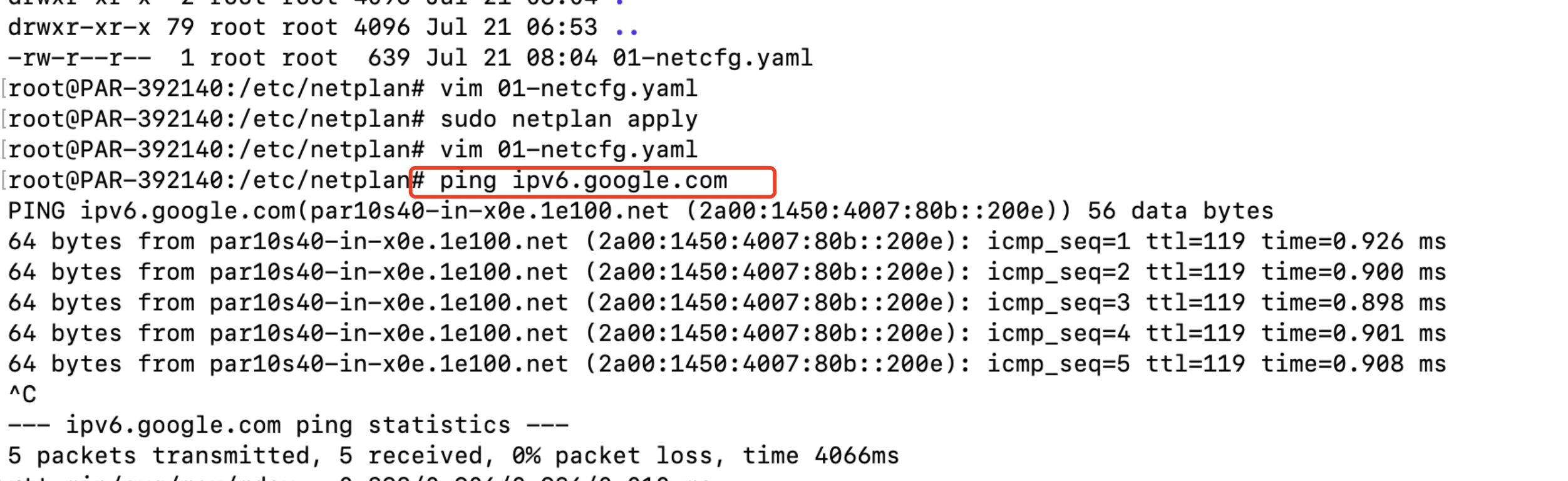
After configuring the DHCPv6 client and I run the sudo netplan apply command, I can indeed connect to IPv6.
However, after I restarted the server, I can't connect to IPv6, but I can connect to IPv4 normally, and I see that dhclient.service shows active (running).
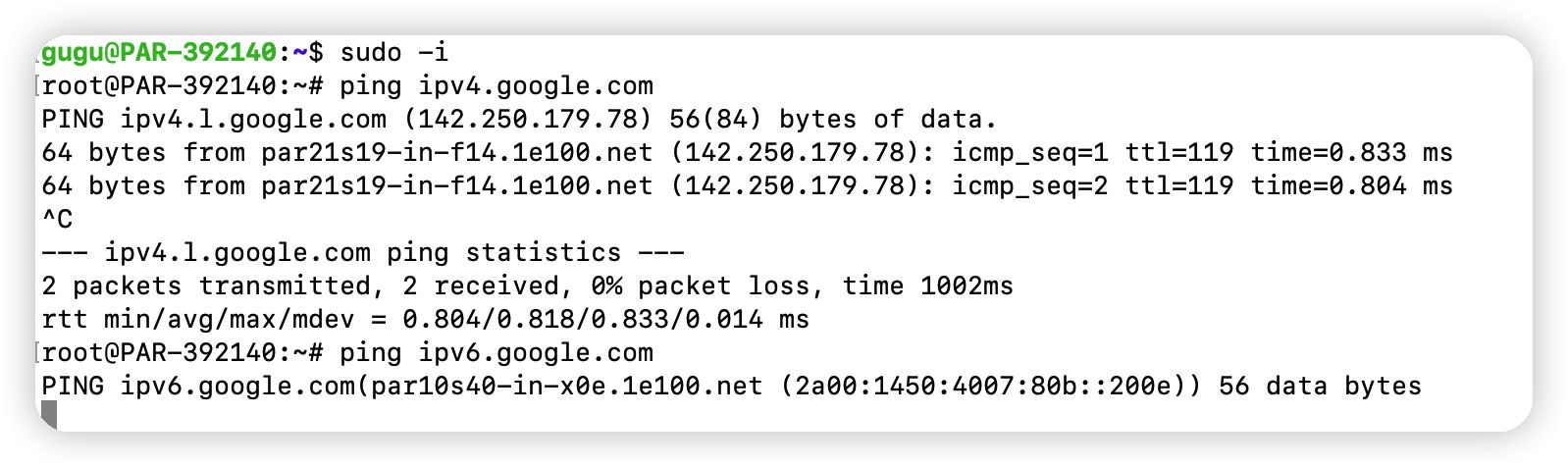
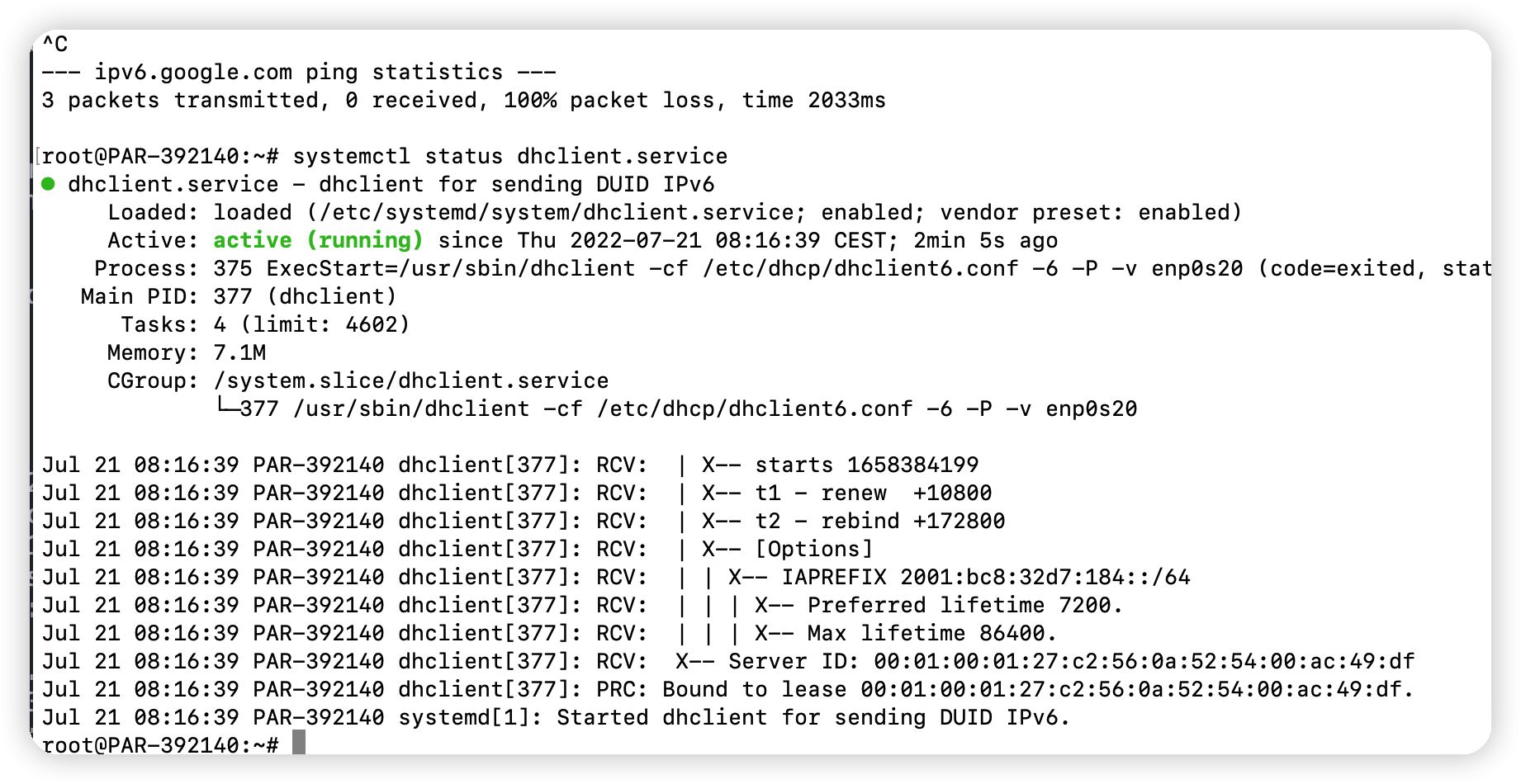
I found that I need to run sudo netplan apply again every time after restarting the server to make IPv6 work properly, how can I make the server run automatically and make IPv6 work properly when I boot it up?
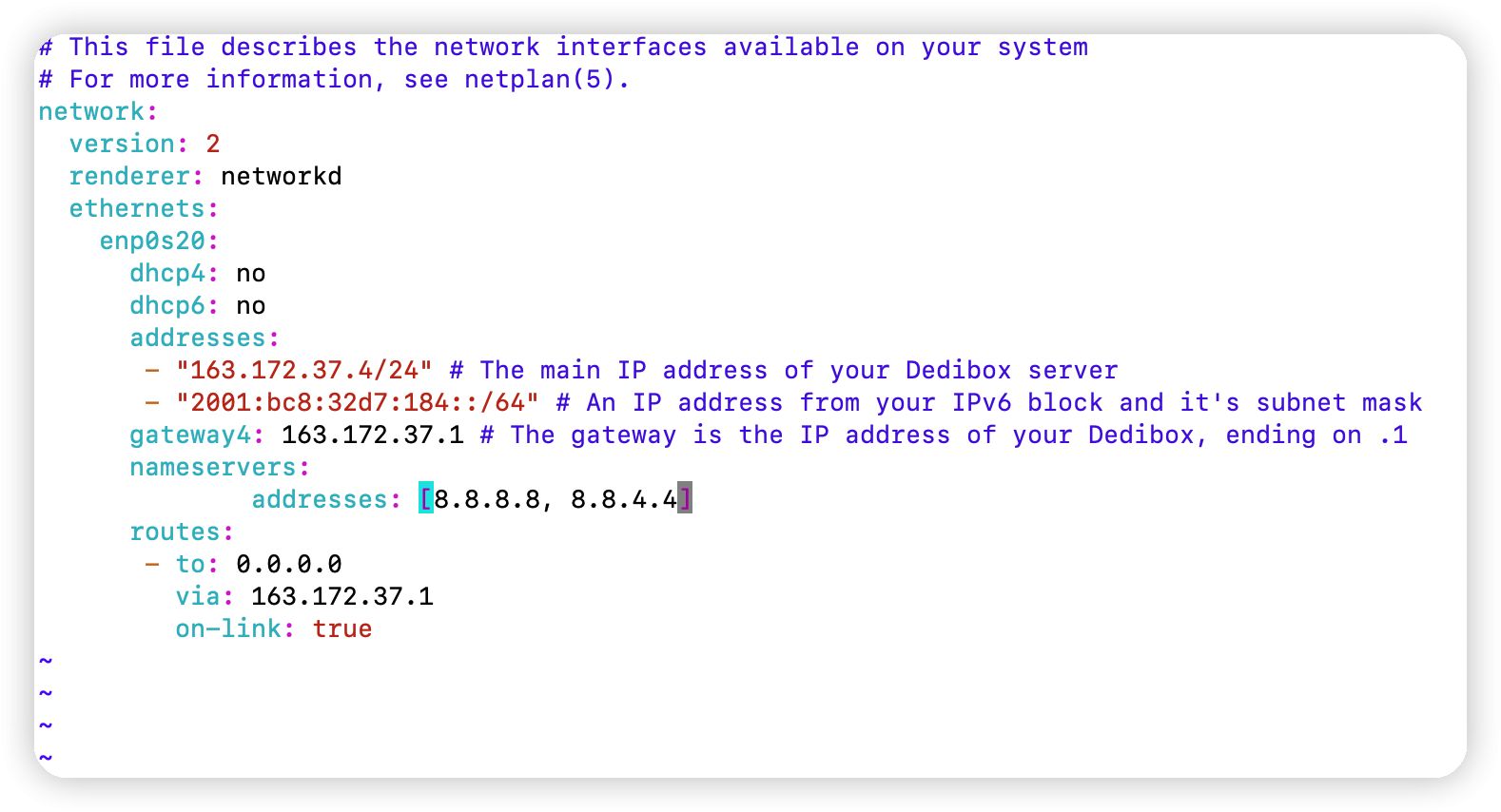
One more question, can I change the nameserver in the following figure to 8.8.8.8 and 8.8.4.4?



Comments
You should probably not post your server's IP here, some idiot will certainly fuck with you.
Change dhcp6: no to dhcp6: true and it will bring the config at boot.
Thank you for your kind reminder, I will apply to change an IP address after
Maybe just use static configuration? Does your IPv6 subnet change often?
Thank you, it works!!!
I referenced @luckypenguin 's method and it worked!