All new Registrations are manually reviewed and approved, so a short delay after registration may occur before your account becomes active.
【inst.sh】how to reinstall linux yet slipstream desktop installation cmds(windows supports too)

Although people usually use online installers for core-console versions of Linux, it’s actually quite interesting to add a desktop environment right after Linux core installation done.
Now, inst.sh supports injecting command parameters into after-installed Linux to provision a full desktop environment.
besides that, You can continually enrich and debug these command parameters into diverse, to fulfill various purpose, such as installing a app, tweaking the system, to custom any part of the post online installation processes.
inst.sh for Windows also supported with the same command parameters, so a lot more fun could be done compared with the past,Even tasks like injecting drivers into Windows can be accomplished.
how to
The following demo is performed on Linux with inst.sh, but it generally supports Linux to Linux, Windows to Linux, and Linux to Windows scenarios.
wget -qO- inst.sh | bash -s - --cmd 'tasksel install desktop' -t debian

(note:  you should single quoted your command strings, and ensure the command string to be in one-liner )
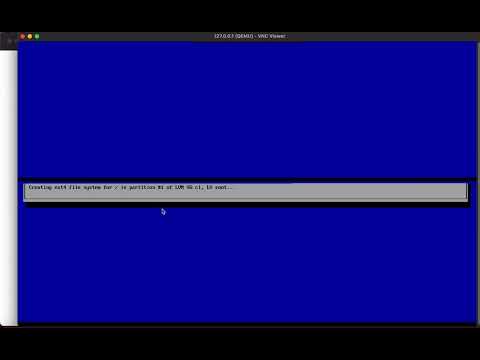
After debian installation and the first boot, there will be a graphical tasksel/whiptail progress display showing the execution of these command parameters on current VT1
(commands invoking whiptail will display a graphical progress, but if the commands are console-only, then no graphical progress will be shown).
All this is achieved using the /etc/rc.local mechanism to hold the slipstreamed cmds on Linux , on Windows, there is also a auto-start file counterpart.
Once all commands have been successfully executed, you’ll find a file named net.txt in the current Linux user’s home directory or on the Windows desktop.
Enjoy yourself!!
res
cmds:
wget -qO- inst.sh | bash -s - --cmd 'tasksel install desktop' -t debian
repo:
https://github.com/minlearn/inst
video: