All new Registrations are manually reviewed and approved, so a short delay after registration may occur before your account becomes active.
【inst.sh】how to locally reinstall linux to win in a vps without any networking(also works on pc+usb)

now, you can use inst.sh as Symantec Ghost alternative to rapidly re-install os on vps or your pc offline without any network latency.
so let us start by taking a vps for example
firstly, you need prepare the offline inst.sh script repo in disk together with a target os img in it:
prepare
download https://github.com/minlearn/inst/archive/refs/heads/master.zip , unzip it to any directory (/root recommended), you should find a directory named inst, with _build,inst.sh,readme.md inside it
now move your target os img inside inst(the img you bring should go with a .xz or .gz suffix)
and all done
execute
inside inst, type
bash inst.sh ./yourimgfilename.gz
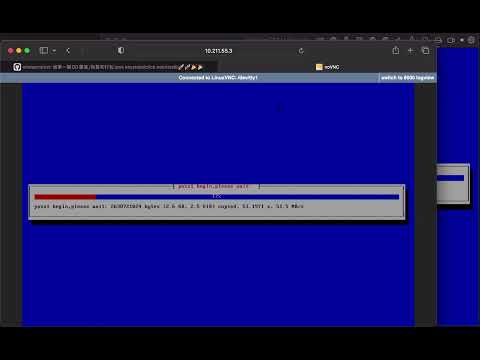
wait for script finish rebooting your pc, it will enter vnc
in pass1 phase, it will align yourimgfilename.gz to tail of the disk, we alway use the solo disk holding yourimgfilename.gz as both the src intermedia in offline install ( VS network as the src intermedia in online install) and the target disk
in pass2 phase, it will dd the tail yourimgfilename.gz binary segment by segment into the disk itself from head (it works like a charm!!cause dd read and write in a liner direction and always works binary-oriented, thus wont cause any corrupt, no matter with the img size!!)
finally it will reboot into the reinstalled os
repo:
https://github.com/minlearn/inst
res:
https://github.com/minlearn/inst/archive/refs/heads/master.zip
video: