



























All new Registrations are manually reviewed and approved, so a short delay after registration may occur before your account becomes active.
How install a module or theme on Odoo
 chiccorosso
Member
chiccorosso
Member
This year's discovery is Odoo but whatever version you install, you will need to install a module or a backend theme. I had a bit of trouble finding a correct and linear tutorial.
Let's see what you need:
Download the app you prefer from the Odoo site, unzip and upload the folder via BitVise in
/odoo/custom/addons
Then from a shell always from Bitvise launch these two strings.
sudo service odoo-server stop
sudo service odoo-server start
Connect to the app activation page then Settings/Apps and start typing the name of the module folder and you will not find the module! Don't worry, it's normal.
Click on the monkey of the Odoo Debug addons. The page will be updated and new functions will appear. At the top click "Update App List" and you will find your module!
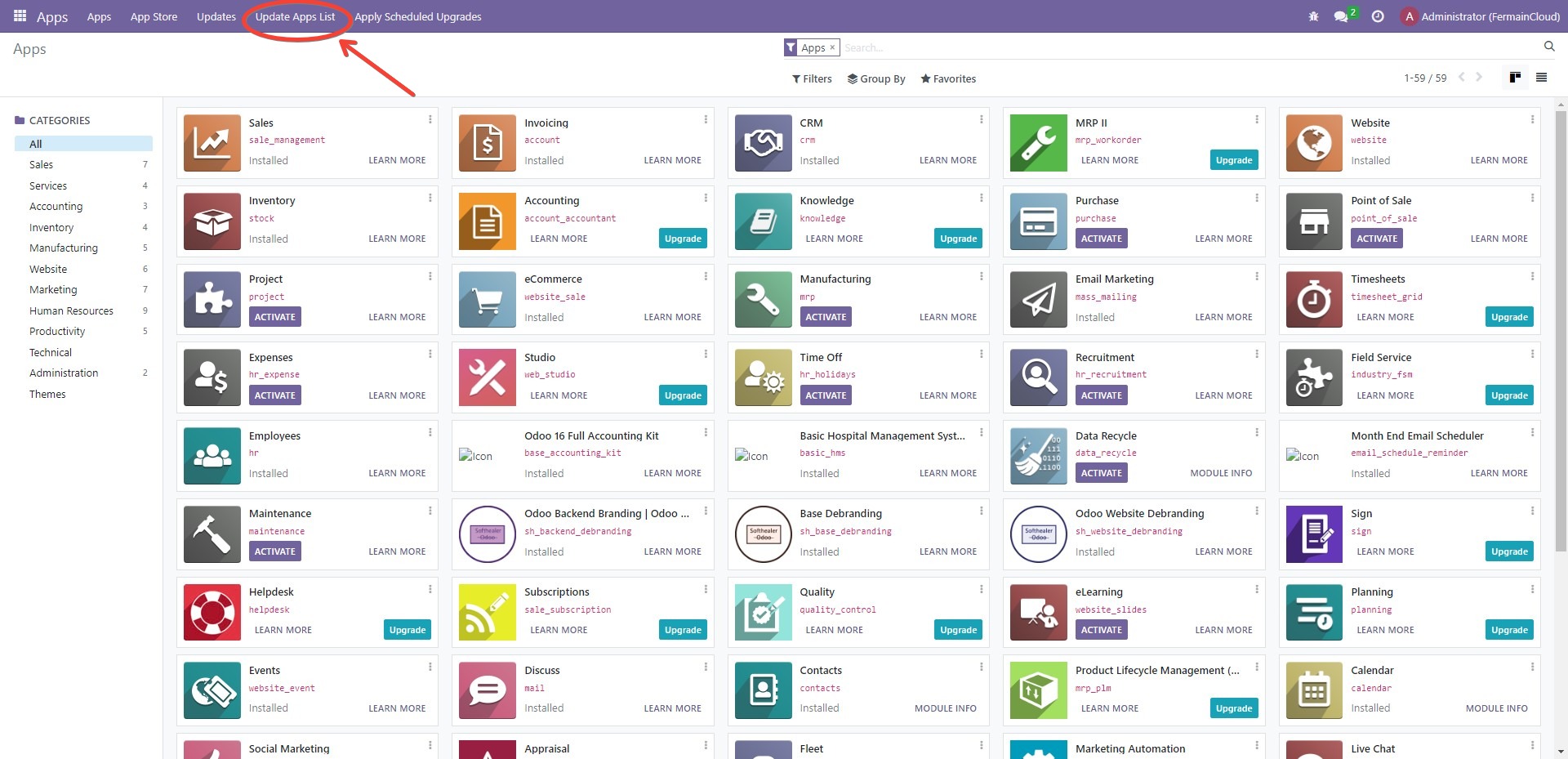
And tac….your module is active and ready to be configured!
Let me know in the comments if you want an article on installing Odoo.



